iPhone Users Alert! One Website Visit Could Put Your Personal Data at Risk
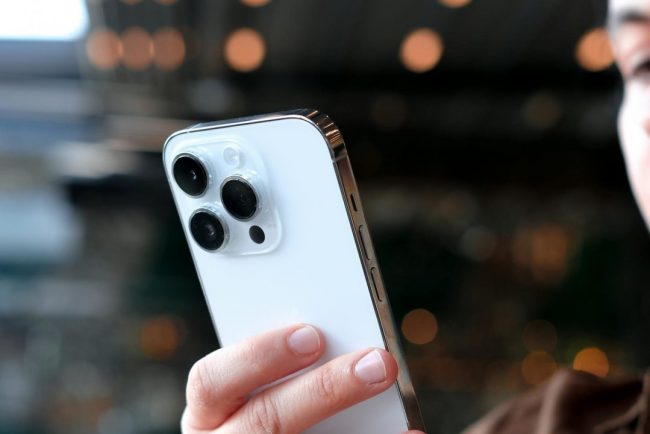
iPhone users have been warned about possible security threats targeting devices running outdated software. Telegram founder Pavel Durov has raised concerns about attacks that could put personal information at risk. He has urged users to update their devices to the latest available iOS version.
Hackers Could Target iPhones Through Malicious Websites
Pavel Durov has issued a security warning through a post on social media platform X, claiming that iPhones running outdated versions of Apple's iOS could be vulnerable to hacking attacks.
According to Durov, users may not even need to download suspicious applications to face security risks. Simply visiting a harmful website could potentially expose an unprotected device to cyberattacks.
He warned that hackers could take advantage of security weaknesses in older software to access sensitive information stored on iPhones.
The warning has also drawn attention to the importance of installing regular software updates. Telegram has reportedly started notifying users with older iOS versions and encouraging them to update their devices.
How Can a Harmful Website Put Your iPhone at Risk?
Cybercriminals can take advantage of security flaws in outdated operating systems through specially designed websites and harmful online content.
If a device has an unpatched security weakness, visiting a compromised website could potentially allow attackers to access personal information or interfere with the device.
Apple has previously issued security warnings about web-based attacks targeting older iOS versions. The company has released software updates to fix identified security vulnerabilities and protect users from potential threats.
Follow These Simple Steps to Keep Your iPhone Safe
iPhone users can take a few simple steps to improve their device security.
Open the Settings app on your iPhone.
Select General and tap Software Update.
Check whether a new iOS version is available.
Download and install the latest supported update.
Enable Automatic Updates to receive important security fixes.
Keeping your iPhone software updated is one of the easiest ways to reduce security risks. Users should also avoid suspicious websites and unfamiliar links to protect their personal information.
Filed under Technology