
Aadhaar Card Update: Step-by-Step Guide to Download and Link PAN Card Online!
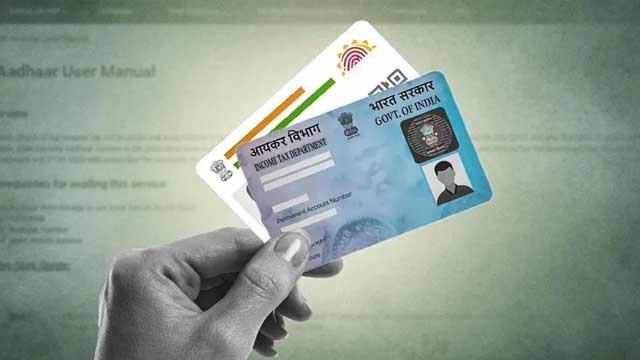
If you haven’t yet downloaded your Aadhaar, updated its details or linked it with your PAN, now is the time to act. The Unique Identification Authority of India (UIDAI) and the Income Tax Department are urging citizens to complete these tasks online ahead of the looming deadlines. Your Aadhaar can be accessed digitally, updated for accuracy, and then linked to your PAN via the tax portal—all from home.
To download your e-Aadhaar, visit the UIDAI portal or use the mAadhaar app. Use your Aadhaar number, Enrollment ID or Virtual ID, verify via OTP sent to your registered mobile, and download the PDF. The password for opening the file is the first four letters of your name in caps followed by your year of birth.
For updates, log into the myAadhaar portal using your Aadhaar number and OTP. If details like address require updating, choose the relevant fields, upload valid PDF or image proof (under 2 MB) and submit your request. Make sure the mobile number linked with Aadhaar is active.
When it’s time to link your PAN with Aadhaar, head to the Income Tax e-filing portal. Enter your PAN, Aadhaar and name as per Aadhaar, verify using OTP, and complete the linkage. The deadline for most taxpayers is December 31 2025, after which your PAN could become inoperative.


